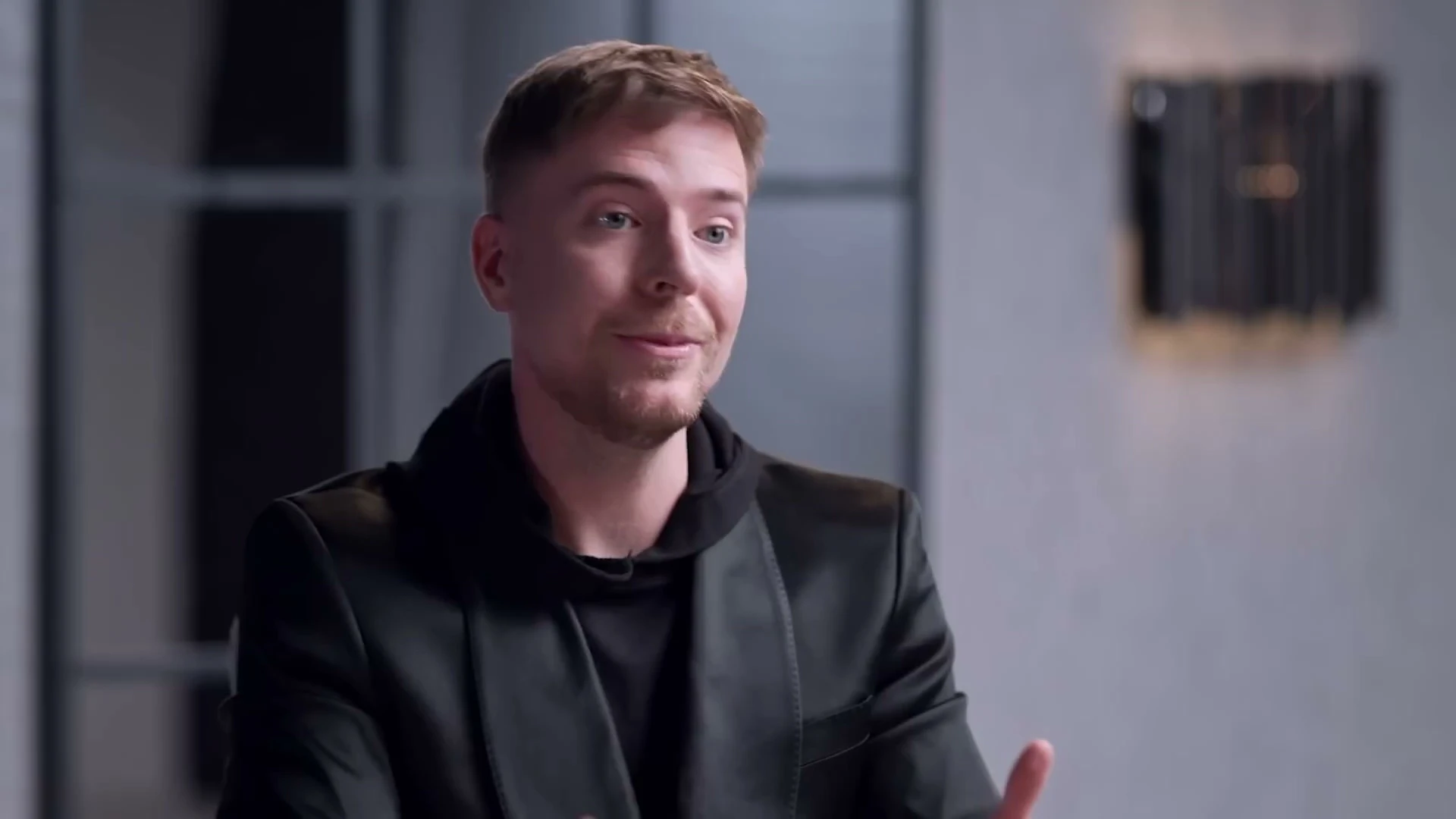
Ndudut Video
Bring the source into your edit.
Download the full video, extract the audio, or trim a single moment. Pick an edit-ready master or a lightweight proxy.
Desktop video studio
 Long footage.
Download footage, follow the speaker, and cut captioned highlights. One video studio for your desktop.
Windows macOSComing soon
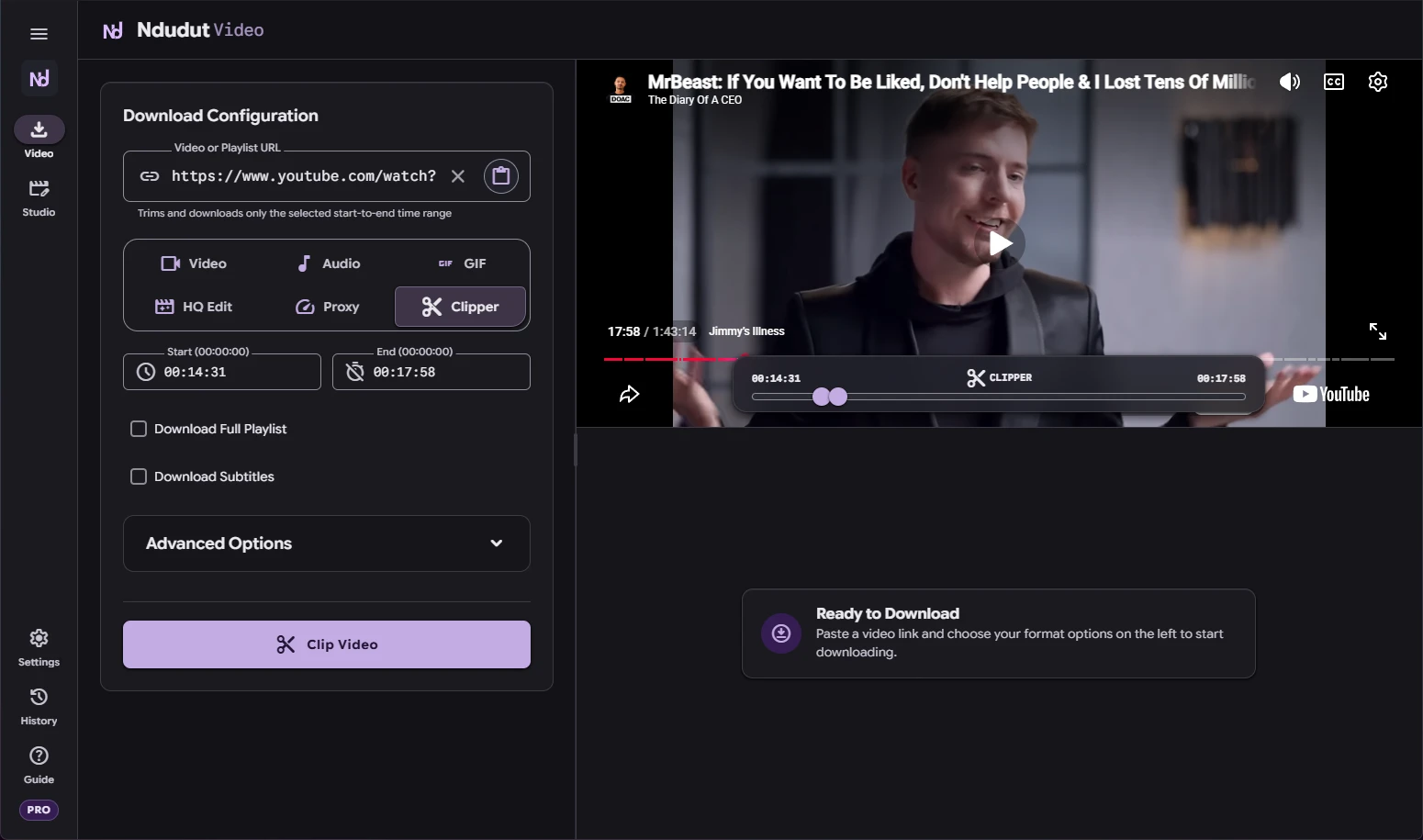
Set the start and end of a clip directly in the YouTube preview.
Bring in a video, an audio track, or a time range from a link.
Follow one speaker or arrange a conversation in a split frame.
Save editable subtitles or burn timed captions into a finished short.
Output modes
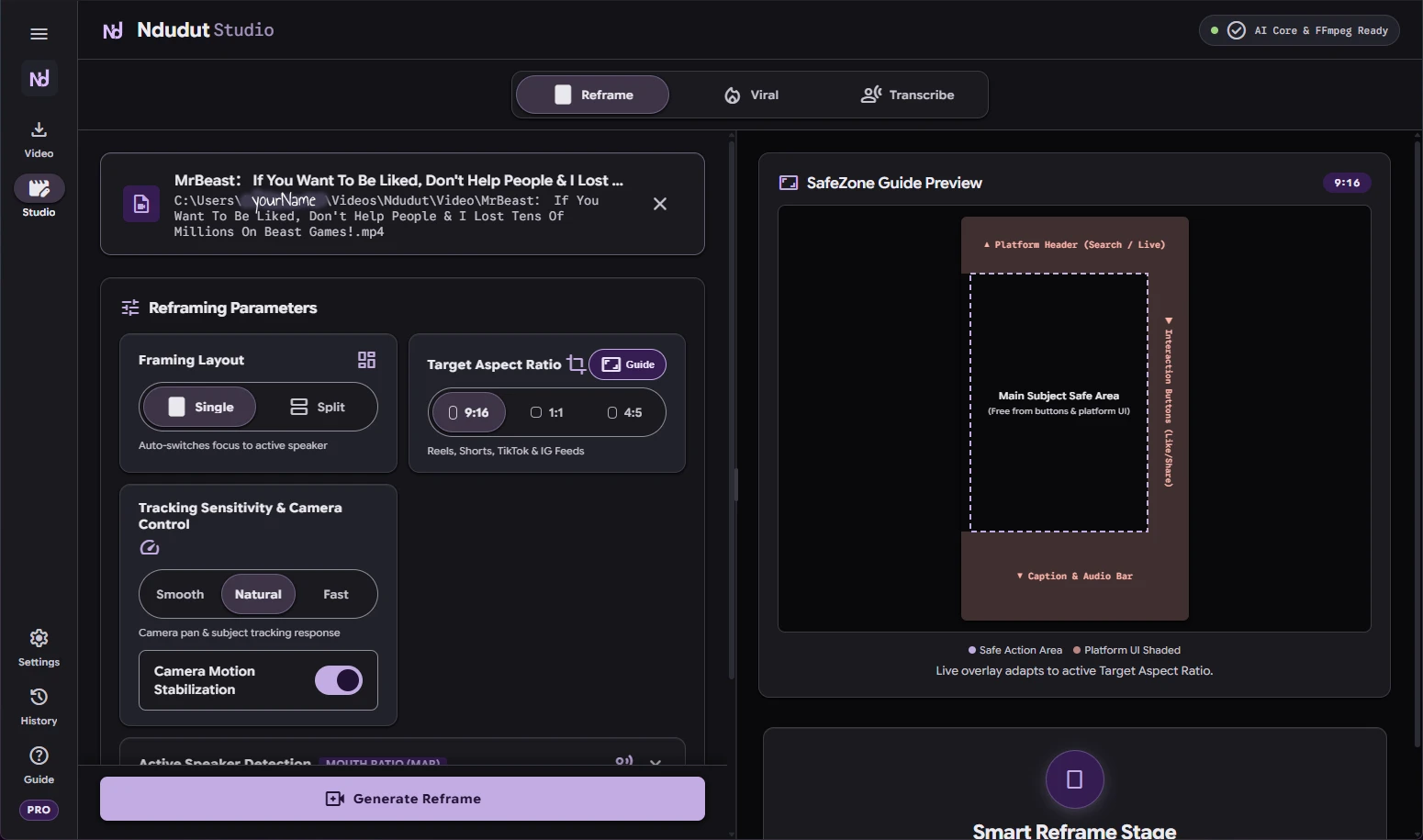
Follow the active speaker or stack participants. Check the SafeZone guide before you export.
Features
Bring in a link or a local file and work through the edit in Ndudut Video and Studio.
Ndudut Video
Download the full video, extract the audio, or trim a single moment. Pick an edit-ready master or a lightweight proxy.
Ndudut Reframe
Track an active speaker as they move or stack up to four participants. Choose a vertical, square or portrait frame.
Ndudut Viral
Review suggested moments, tighten their boundaries and edit caption wording in Proofing Studio before rendering.
Ndudut Transcribe
Transcribe on your machine with Faster-Whisper, switch between Standard and Verbatim, and export timed subtitles.
Inside the app
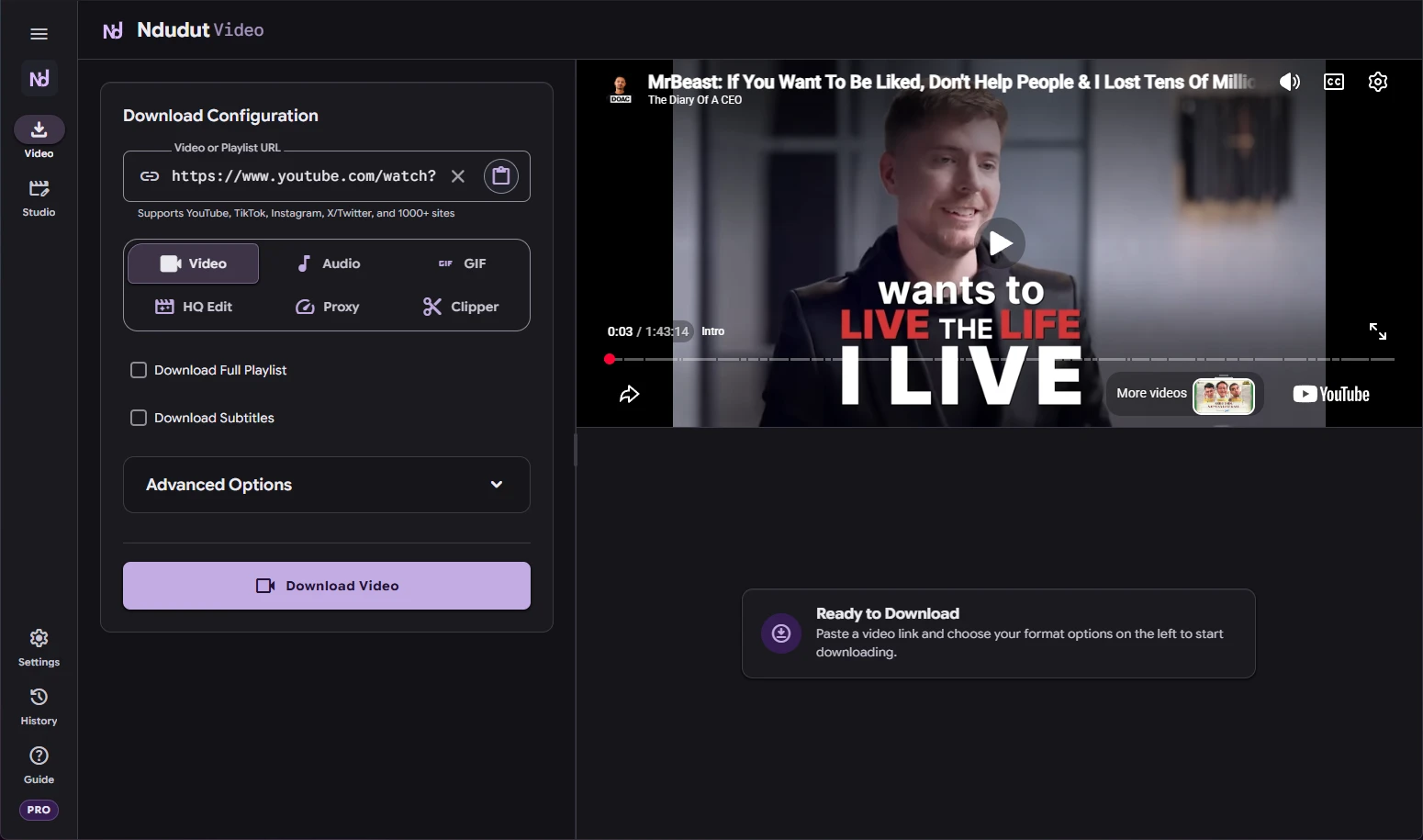
Processing & export
FFmpeg can use a compatible NVIDIA, Intel or AMD encoder.
Download a model once and transcribe your audio offline.
Check platform overlays with the SafeZone guide before rendering.
Two-pass loudness normalization levels the audio across your clips.
Batch queues. Add multiple files for sequential processing.
Optional cloud tools. Connect your own Gemini or Deepgram key.
Caption styles. Choose a karaoke preset and customize the font.
Watermarks. Add a PNG or WebP logo to your exports.
Transcript handoff. Send a segment directly to Viral or Reframe.
Subtitle export. Save timed captions as SRT or WebVTT.
Get started
Open the aescripts + aeplugins Manager and choose Account → Add Trial. Look for Ndudut Pro to install the 40-day Studio trial.
Licensing
Evaluate Studio on your own footage, activate a seat for your workstation, or connect to a shared license server.
Ask aescripts about seat counts and floating license deployment.
FAQ
The Studio trial lasts 40 days. Each day you can run seven Reframes, three Viral clips and ten transcriptions. Trial video exports carry a watermark. Ndudut Video is also available without a Studio license.
Use Windows 10 or 11 (64-bit). Allow at least 8 GB of RAM and 2.5 GB of free disk space. Local models need additional storage. The macOS version is coming soon.
Yes. Drop an existing video into Studio or use its file picker. You can also send a download from Ndudut Video into Studio.
Reframing, rendering and Faster-Whisper transcription run locally once their dependencies and models are installed. Viral can use local topic segmentation. Online downloads, optional cloud tools and license check-ins need internet access.
Local processing runs without an API key. Add your own key in Settings to use Gemini for clip analysis or transcript cleanup, or Deepgram for cloud speech recognition.
Export subtitles as SRT or VTT. For editing or analysis, save plain text, Markdown, JSON or CSV.
Open Settings to check your engine and dependencies. The app provides setup for the media tools and lets you download Faster-Whisper models.
An activated workstation can run offline for up to seven consecutive days before its next license check-in. Floating seats connect to your team’s license server.
Quick start
Install the app, choose your first source, and follow the built-in Feature Guide through your first export.
Read the guide (PDF)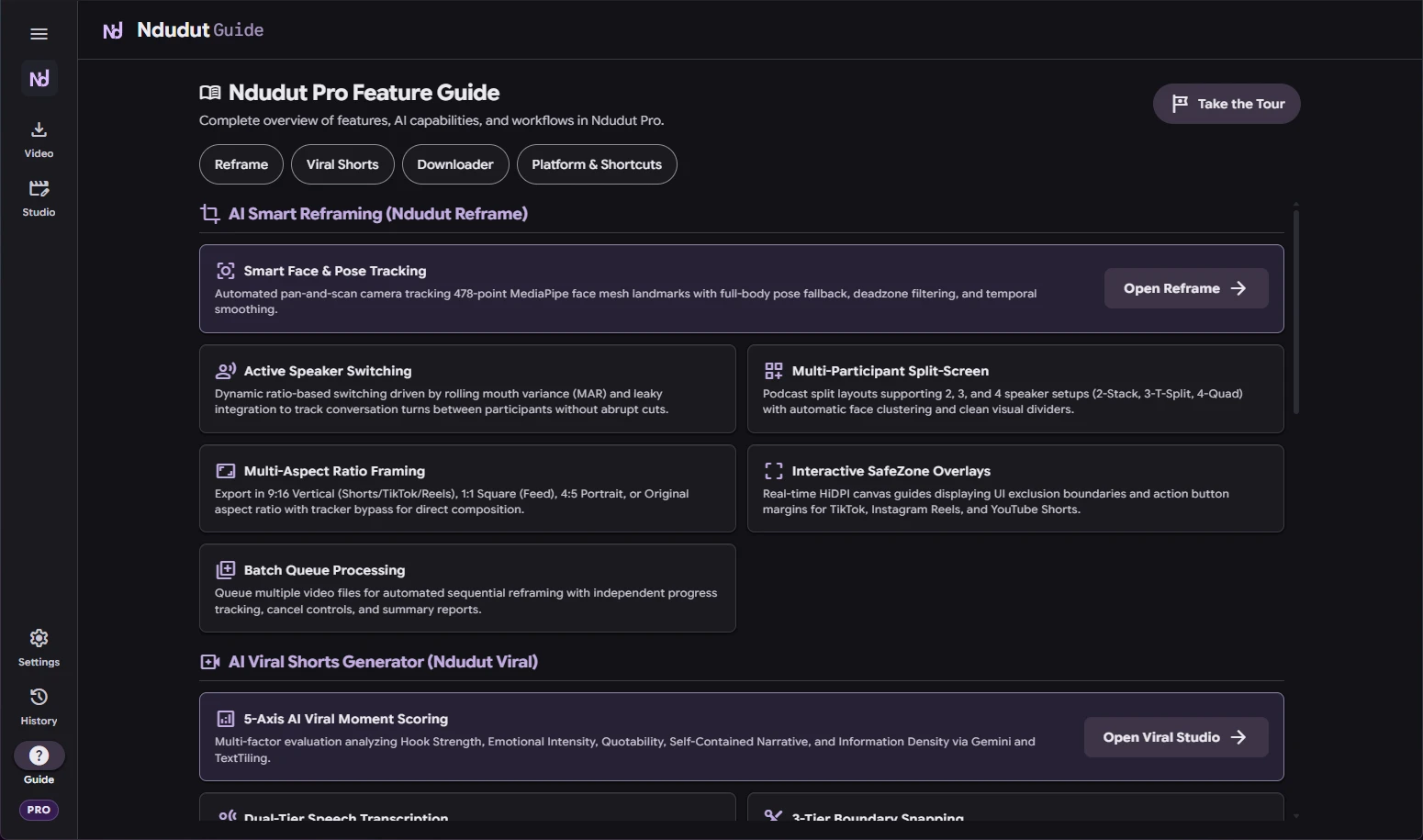
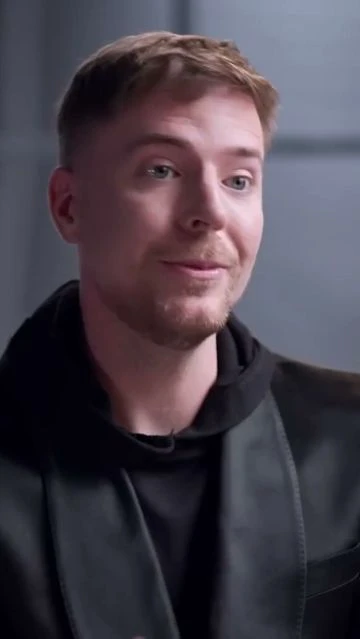 9:16
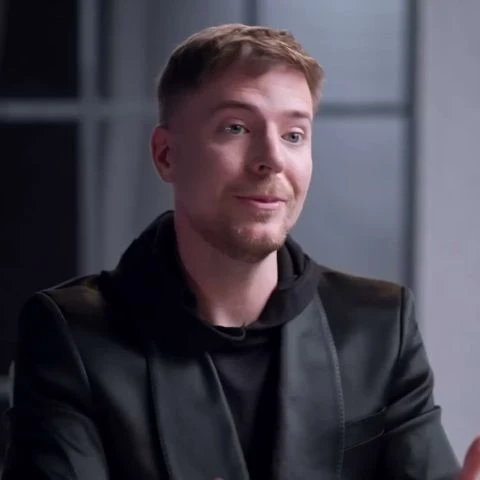 1:1
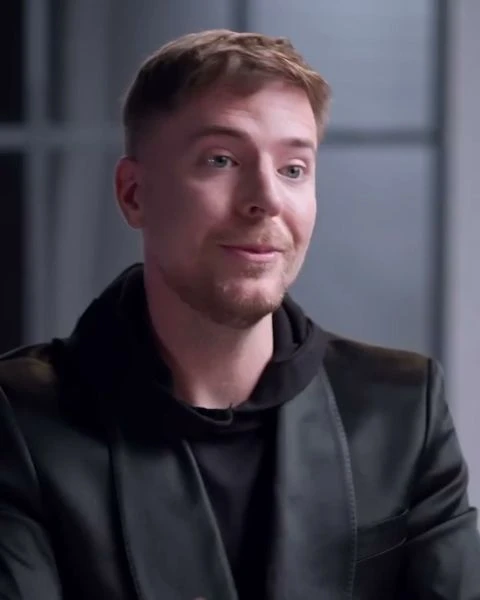 4:5